
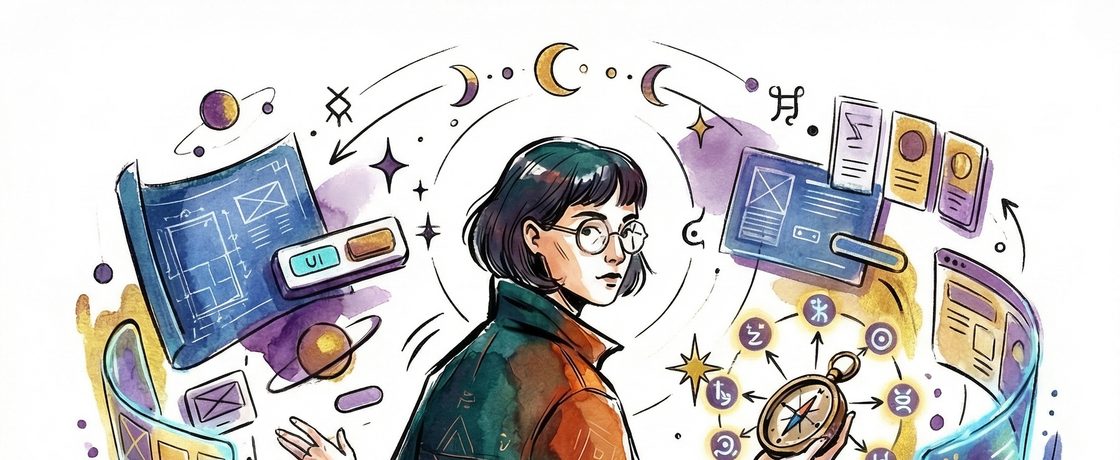
Eight Dimensions of AI-Native Design
Traditional design systems are libraries of static components with defined states. AI-native design systems are behavioral grammars for systems that don’t have predetermined states.
That’s the shift. And if you’re still thinking about your design system as a Figma kit with a Storybook sidecar, you’re designing for a world that’s already gone.
Here are the eight dimensions where the thinking has to change.
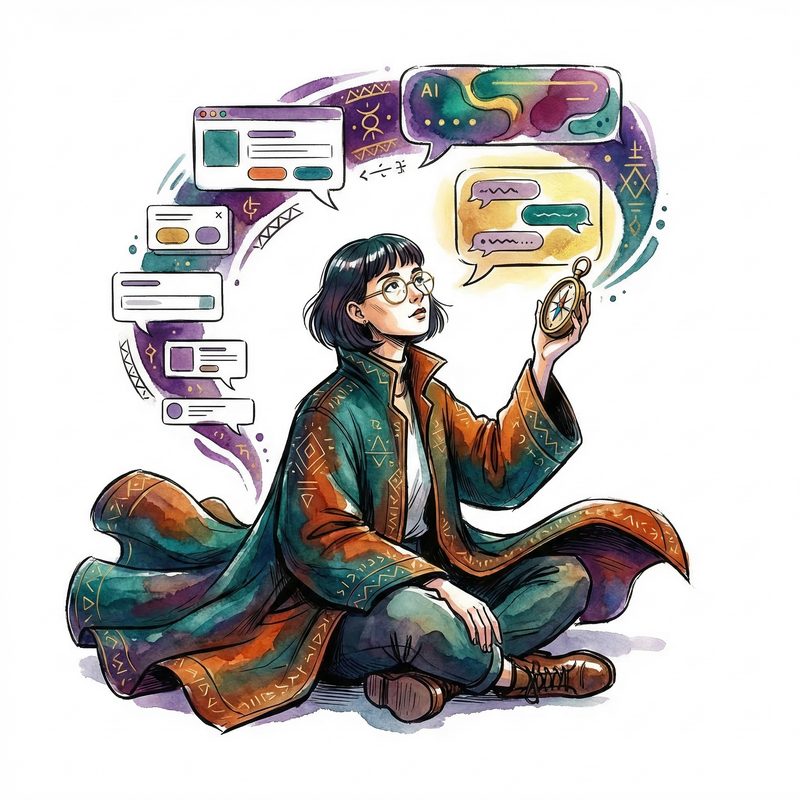
From Components to Conversations
Classic design systems — Fluent, Material, Carbon — are organized around UI primitives. Buttons, cards, modals. AI interfaces aren’t organized around primitives. They’re organized around turns: input, processing, response, confirmation, failure.
The design system needs to model conversation choreography, not component appearance. What does “thinking” look like? What does confidence versus uncertainty communicate visually? What’s the grammar for “I’m acting on your behalf right now”?
If your design system doesn’t have an answer for those questions, it doesn’t cover AI.

From States to Spectrums
Traditional components have four to six discrete states: default, hover, active, disabled, error, focus. Flip a switch, change the state.
AI components don’t work that way. They exist on continuous spectrums — confidence gradients, loading that carries meaning instead of just spinning, responses that stream rather than appear. The design system has to encode ranges, not switches.
This is exactly where Rive’s state machine model wins. Traditional component libraries give you states. Rive gives you blendable, continuous, data-driven transitions. That’s what AI interfaces actually need.
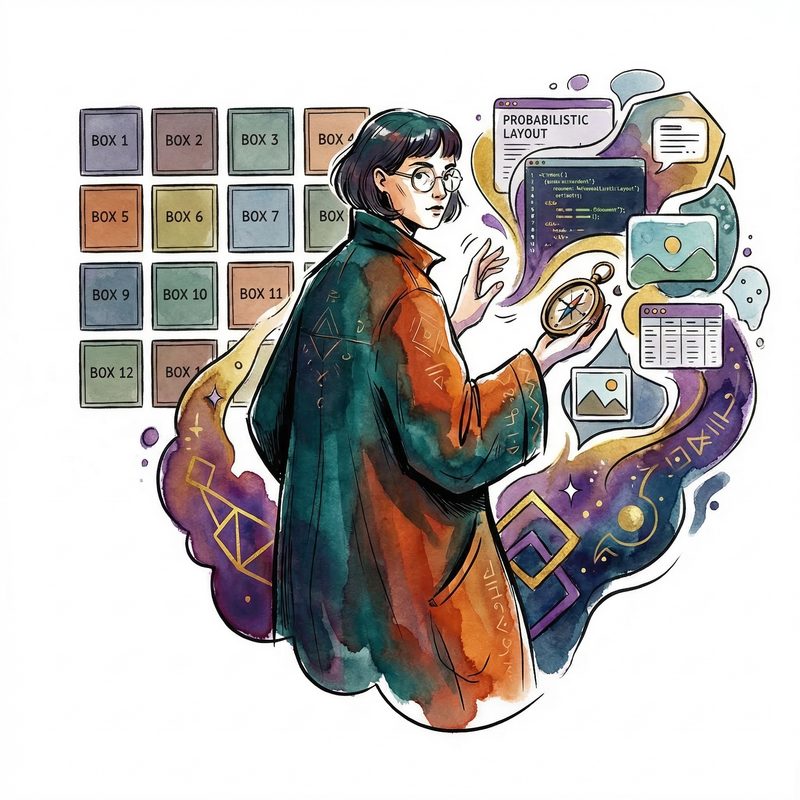
From Deterministic to Probabilistic Layout
In a classic design system, a component renders predictably. You know what’s going in. You spec the height.
In an AI-native system, the content is unknown at design time. A response might be ten words or five hundred. It might include code, a table, an image, an action button. Layout has to be fundamentally compositional and adaptive.
Microsoft’s Adaptive Cards was an early gesture here, but it’s still too rigid. The new model needs responsive semantic containers — layout that negotiates with its content instead of dictating to it.

From Handoff to Continuous Motion
The Figma-to-dev handoff model breaks completely. If the interface is animated, stateful, and data-driven, you can’t spec it in static frames. A screenshot of a streaming response is a lie about what that experience actually is.
The design system has to live as a runtime artifact, not a documentation site. The design system is the deployed thing. Rive’s entire value proposition sits here — the animation you design is the animation that ships. No translation layer. No “developer interpretation.”
Fluent 2 is moving this direction with web components, but it’s not there yet for AI-native motion.

From Accessibility as Compliance to Accessibility as Architecture
When interfaces are dynamic and AI-generated, WCAG compliance gets much harder and much more important. You can’t audit a screen that doesn’t exist yet.
The design system has to encode accessibility contracts at the token and behavior level. Not just color contrast ratios — motion sensitivity, cognitive load limits, reading level adaptation. The accessibility system has to be as dynamic as the content it governs.
For enterprise at any real scale, this isn’t optional. It’s a legal and procurement requirement. The companies that treat accessibility as architecture rather than a checklist will have a structural advantage in enterprise AI sales.

From Brand Expression to Trust Expression
This is the most underappreciated dimension.
In AI interfaces, the visual design system is also the trust design system. Users need to read: Is this AI confident or guessing? Is it acting or waiting? Did it succeed or approximate?
Enterprise customers — especially in regulated industries — will make or break AI adoption based on whether the interface communicates reliability. The design system needs an explicit vocabulary for epistemic state: certainty, uncertainty, action, caution, error recovery.
If your design system can express “primary button” but can’t express “I’m 70% sure about this,” it’s not ready for AI.

From Single Surface to Ambient and Multi-Modal
AI-native experiences don’t live only on a screen. They live in chat sidebars, in email, in voice interfaces, in dashboards, potentially in mixed reality. The design system has to be surface-agnostic at its core, with rendering adapters for each surface.
Token-based systems like Fluent 2 are the right foundation. But tokens need to extend beyond color and typography to motion tokens, voice persona tokens, and behavioral tokens. The design system defines how the AI behaves on every surface, not just how it looks on one.
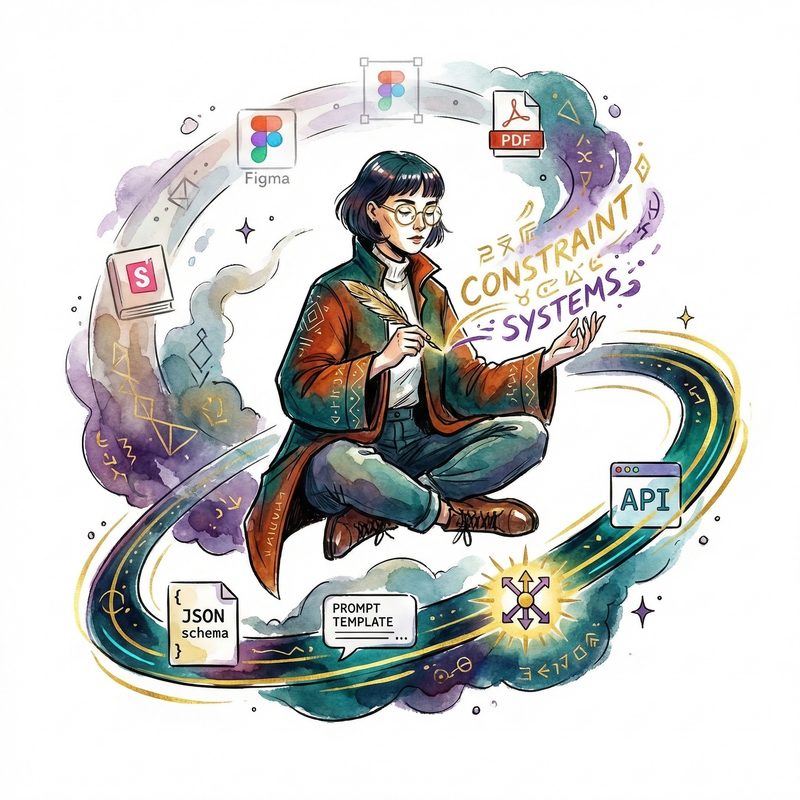
From Documentation to Constraint Systems
The classic design system deliverable is a Storybook library plus a Figma kit. Designers make screens, developers implement screens, the design system is the contract between them.
The AI-native equivalent is a set of behavioral constraints that generative tools — Copilot, Claude, Cursor — can be given as guardrails. The design system becomes a prompt, a schema, an API that machines consume. Designers write rules, not screens.
This is a completely different production model. And it requires a completely different team structure to build and maintain.
The gap is enormous
Most large companies have invested heavily in design systems for their human-authored interfaces. Almost none have begun the work of extending those systems to AI-native behavior.
The questions that matter right now:
- Where does your current design system break under AI-native conditions?
- What behavioral grammar, motion system, and trust vocabulary does an AI-native extension require?
- Can you build component primitives that plug into existing systems — Fluent, Carbon, whatever you’ve got — rather than replacing them?
If you can describe a complex thing and show a simple visual to go with it, you’ve already won the argument. AI-native design systems are the complex thing. The visual hasn’t been built yet.
That’s the opportunity.
